PolicyPress - Compliance Policies from Markdown
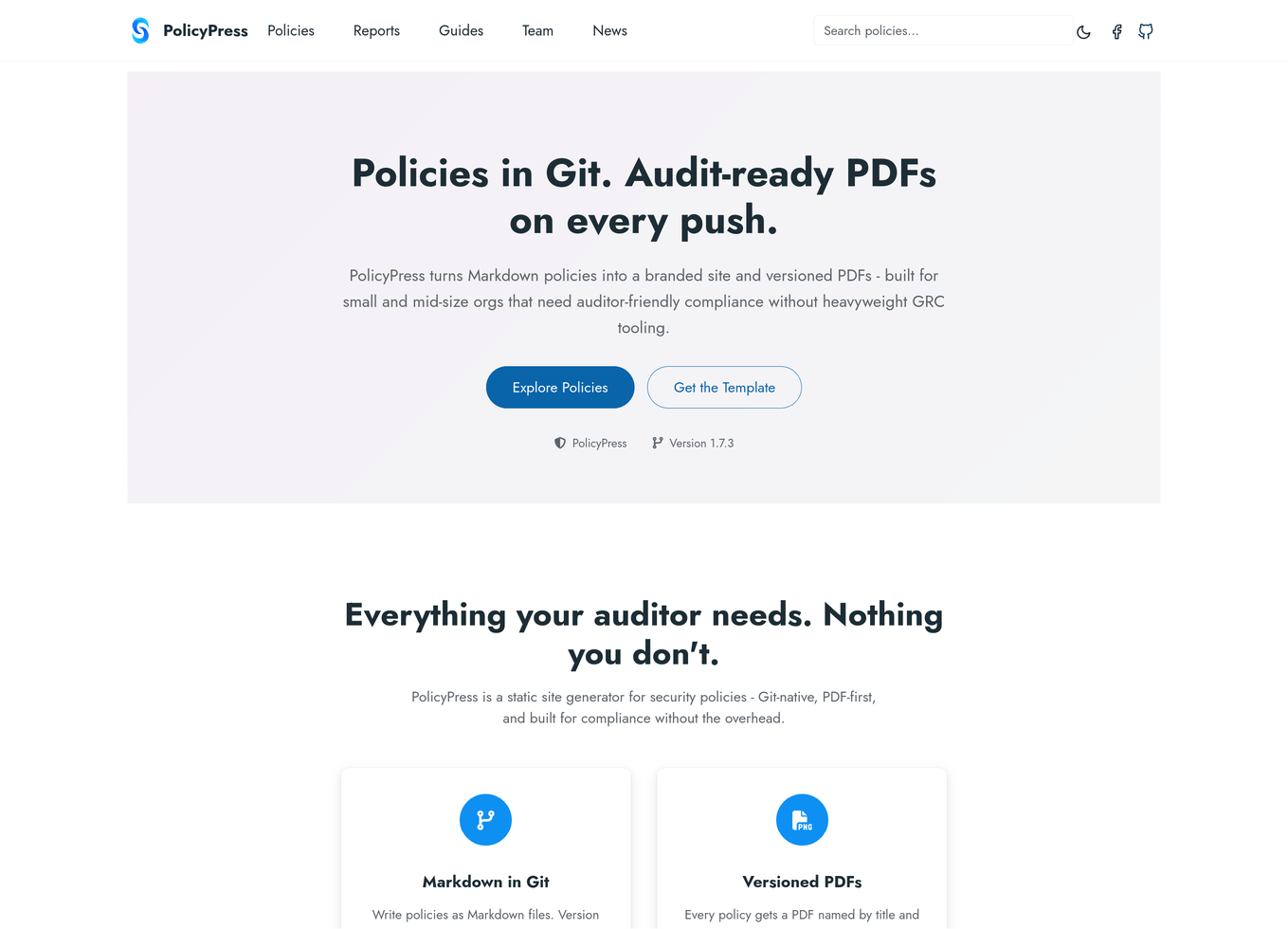
PolicyPress: write security policies in Markdown, publish a branded policy site and versioned, audit-ready PDFs from one GitHub Action. Free for your own org.
PolicyPress
Policies in Git. Audit-ready PDFs on every push.
View on GitHub → · Live demo → · On the GitHub Marketplace →
Why we built it
Most small and mid-sized organizations keep their security policies in a Word document someone emailed around - nobody knows which version is current, who approved it, or when it was last reviewed. The usual fixes overshoot: GRC suites are priced and designed for enterprises, and wikis like Notion or SharePoint can’t produce the versioned, signed-off PDF trail an auditor or customer actually asks for.
PolicyPress is the proportionate answer. Your policies live as Markdown files in your own Git repository, and a single GitHub Action turns them into a branded policy site and audit-ready PDFs on every push. PolicyPress is the theme and toolchain, not the content - your policies never leave your infrastructure.
If you are comfortable enough with GitHub to click a button and edit a text file, you can have a professional policy library in an afternoon. You do not need to know anything about web development, LaTeX, or compliance frameworks.
What it does
- A policy website your employees can bookmark - branded with your logo and colors, searchable, with a data-driven dashboard homepage showing policy count, review status, and framework coverage
- A versioned PDF for every policy - named by title and version, generated from the same Markdown source as the site
- Full revision history - who approved what, and when, rendered into both the site and the PDFs
- Draft watermarks and redaction - policies under review get a DRAFT watermark; internal notes marked with redaction tags are stripped from published PDFs
- Compliance mapping - tag policies with Secure Controls Framework and SOC 2 (TSC 2017) control IDs and get coverage reports as versioned PDFs
- Accessible PDFs, opt-in - tagged PDF/UA-1 output validated by veraPDF in CI, and a site that passes automated WCAG 2.1 AA checks in light and dark mode
- Audit bundle, opt-in - a machine-readable manifest with SHA-256 hashes of every PDF and its Markdown source, plus revision and coverage data
- Private by default - the starter ships with search-engine indexing off and includes a turnkey SSO deployment configuration
How it works
- Your policies live in a Git repository as Markdown files with a small front-matter block (owner, review date, revision history, control tags)
- On every push, the
sc2in/policypressGitHub Action builds the policy site and generates the PDFs - The site deploys to GitHub Pages; PDFs are published alongside it for download
The workflow step is three lines plus options:
- uses: sc2in/policypress@v1
  with:
    config_path: config.toml   # path to your config.toml
    draft_mode: false          # true → DRAFT watermark on all PDFs
    redact_mode: true          # true → strip redacted blocks from PDFs
The Action runs on Linux and macOS runners (ubuntu-latest recommended). You can author policies from any OS, Windows included.
Licensing
PolicyPress is free to run for your own organization, at any size - no subscription. It is dual-licensed under PolyForm Noncommercial 1.0.0 (nonprofits, schools, government bodies, and personal projects) and PolyForm Internal Use 1.0.0 (any company managing its own policies). In every case the source is public: read it, run it, and modify it for your permitted purpose.
Payment enters in exactly two places:
- Support subscription - optional vendor support with response SLAs and indemnification, for organizations that want SC2 to stand behind their deployment. It doesn’t change the license; it’s a service.
- Commercial license - required only to offer PolicyPress to others: an MSP or consultancy running it for clients, a hosted or SaaS offering, or redistribution.
To discuss support or commercial licensing, contact [email protected].
Getting started
The fastest path is the policypress-template repository: click Use this template → Create a new repository, edit config.toml with your organization name and brand color, replace the logo, enable GitHub Pages, and push. Three example policies are included to adapt or replace.
- Browse the live demo to see the site, PDFs, and coverage reports
- Read the installation guide
- Install from the GitHub Marketplace
For build instructions, local preview, and configuration details, see the project on GitHub: